
Your rhythm
Work and break durations on simple wheels. Pause for 30 minutes, an hour or until tomorrow morning.
Break reminders for Mac and Windows
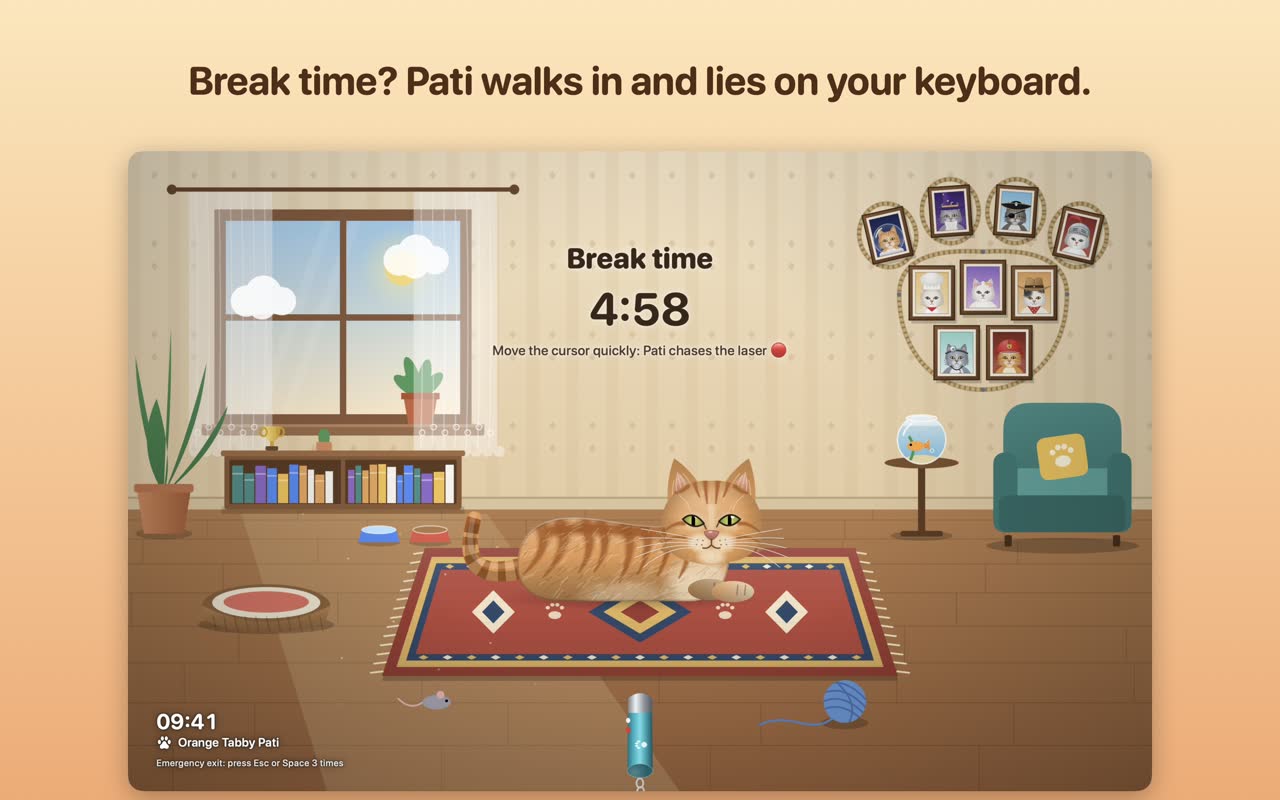
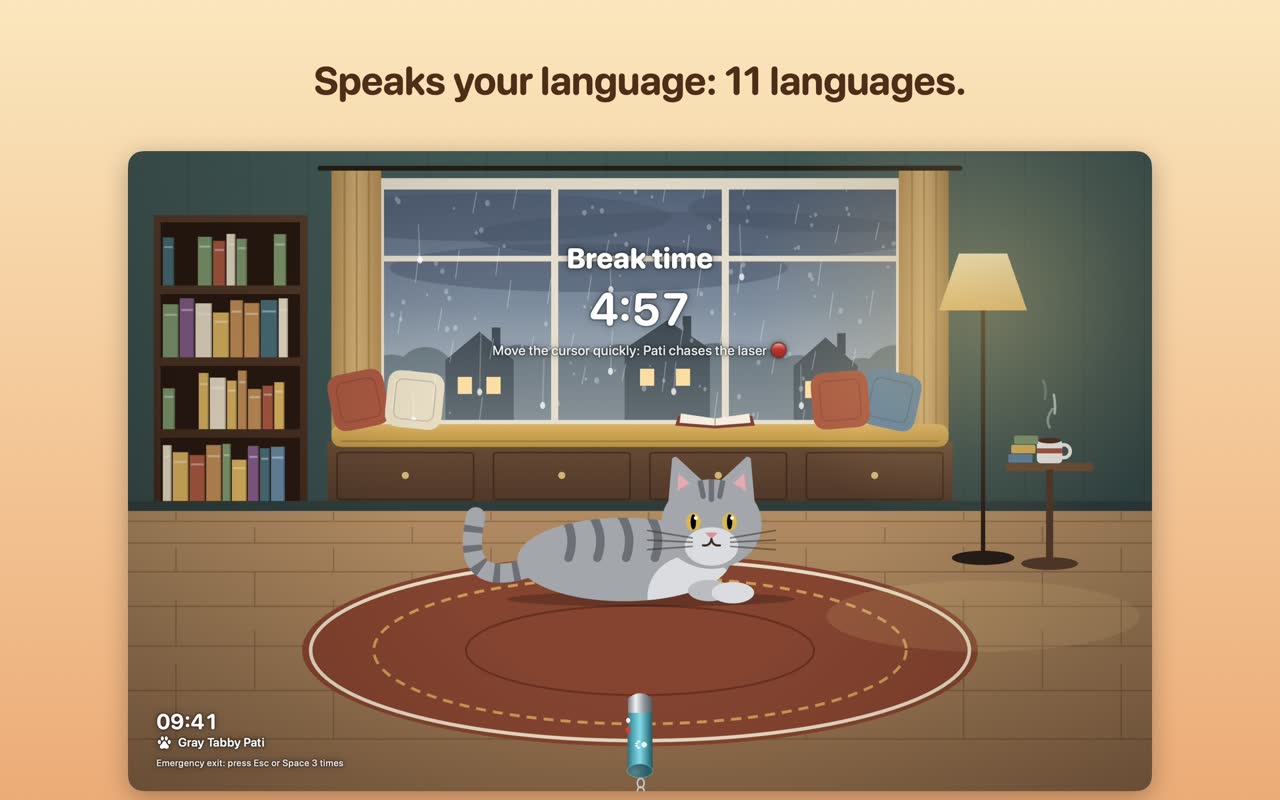
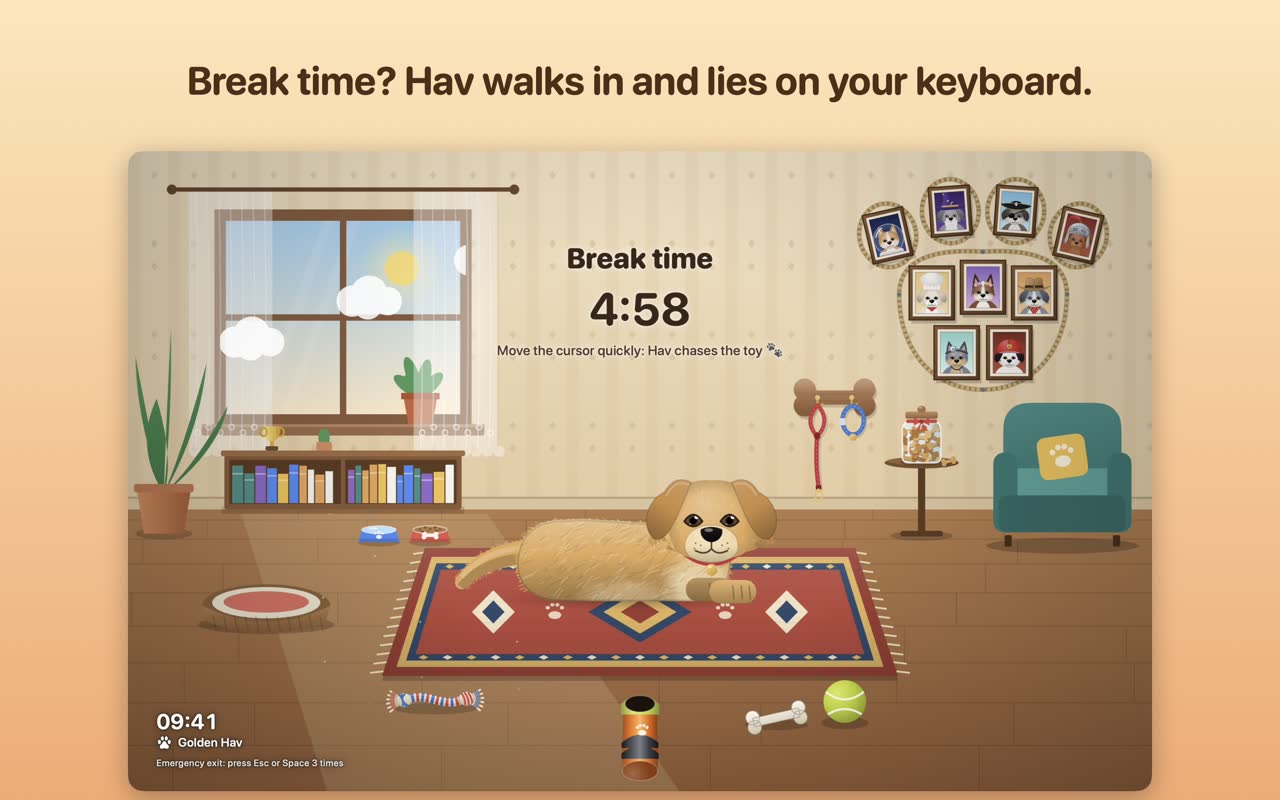
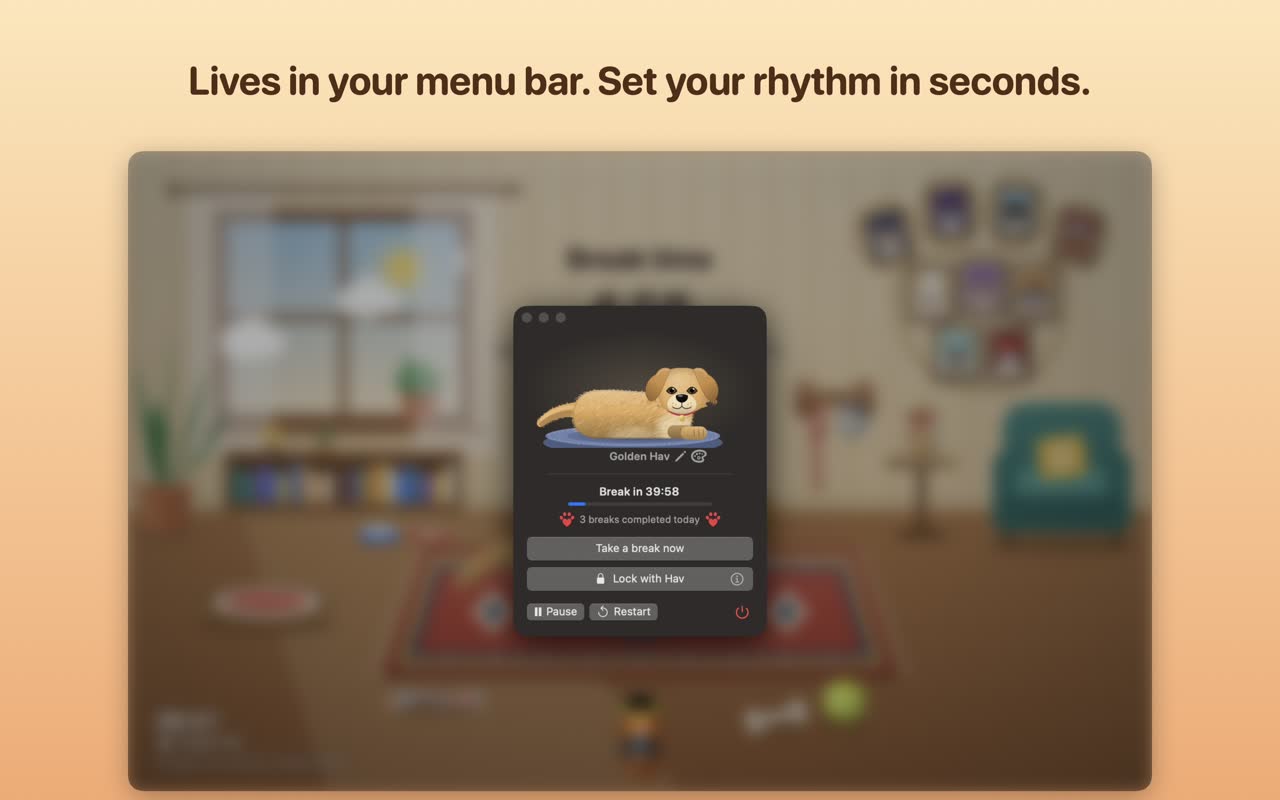
BreakPet apps live in your menu bar. When you have worked too long, Pati the cat or Hav the dog walks onto your screen, lies on your keyboard and plays with you until the break is over.
The BreakPet family
Every BreakPet app is the same idea with a different friend: a timer in your menu bar, and a pet that takes over the screen when it is time to rest.
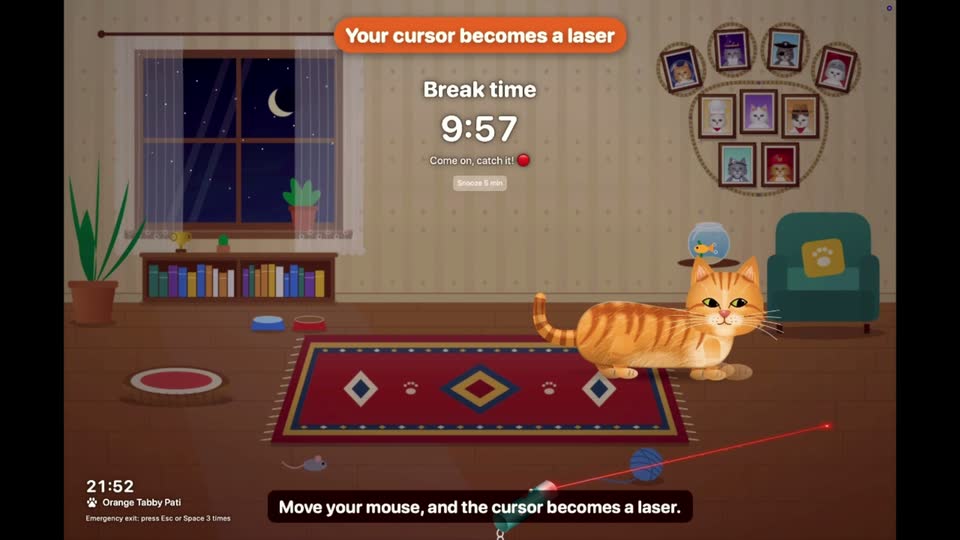
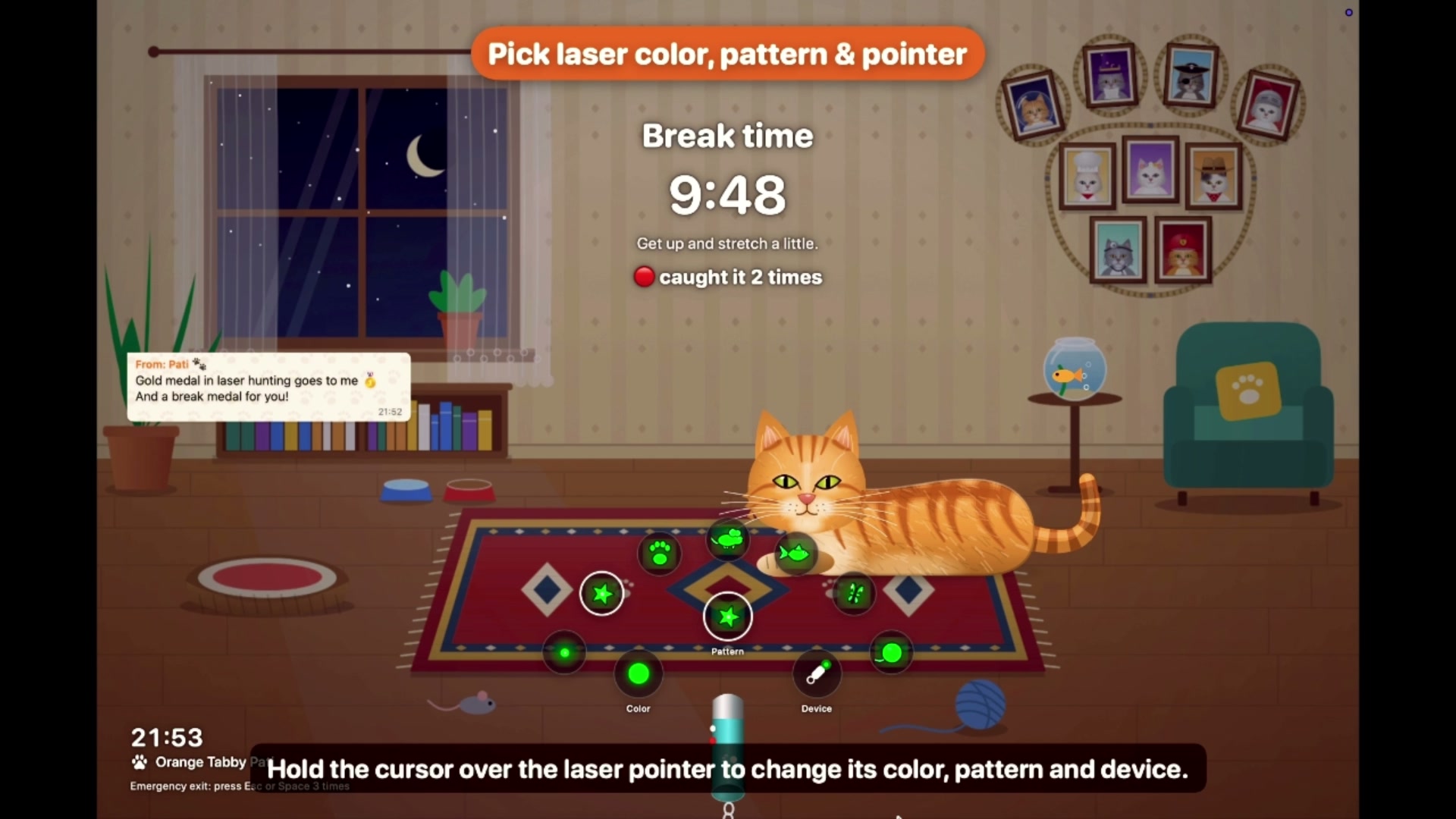
Your cursor becomes a laser. Pati chases it, pounces, purrs when you pet it, and paws at the screen when you type.
See Pati
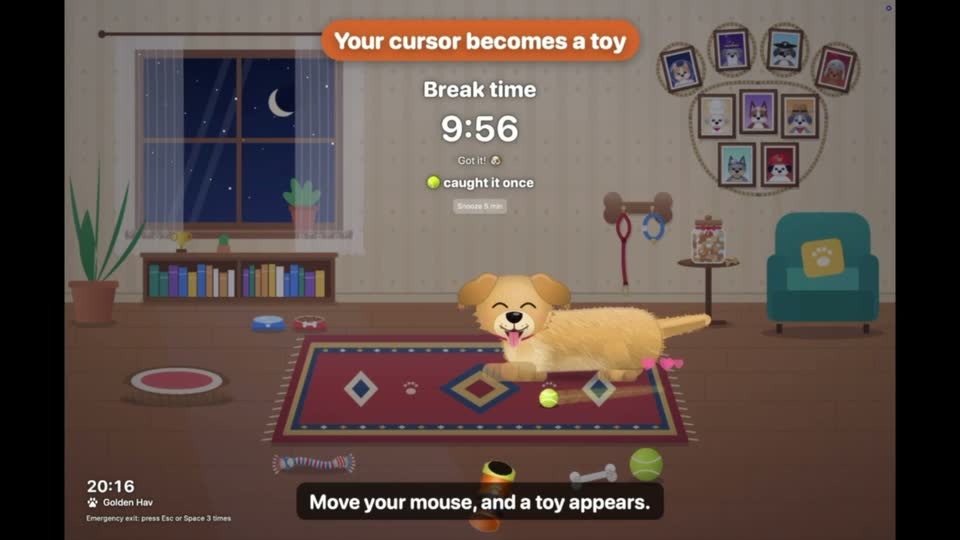
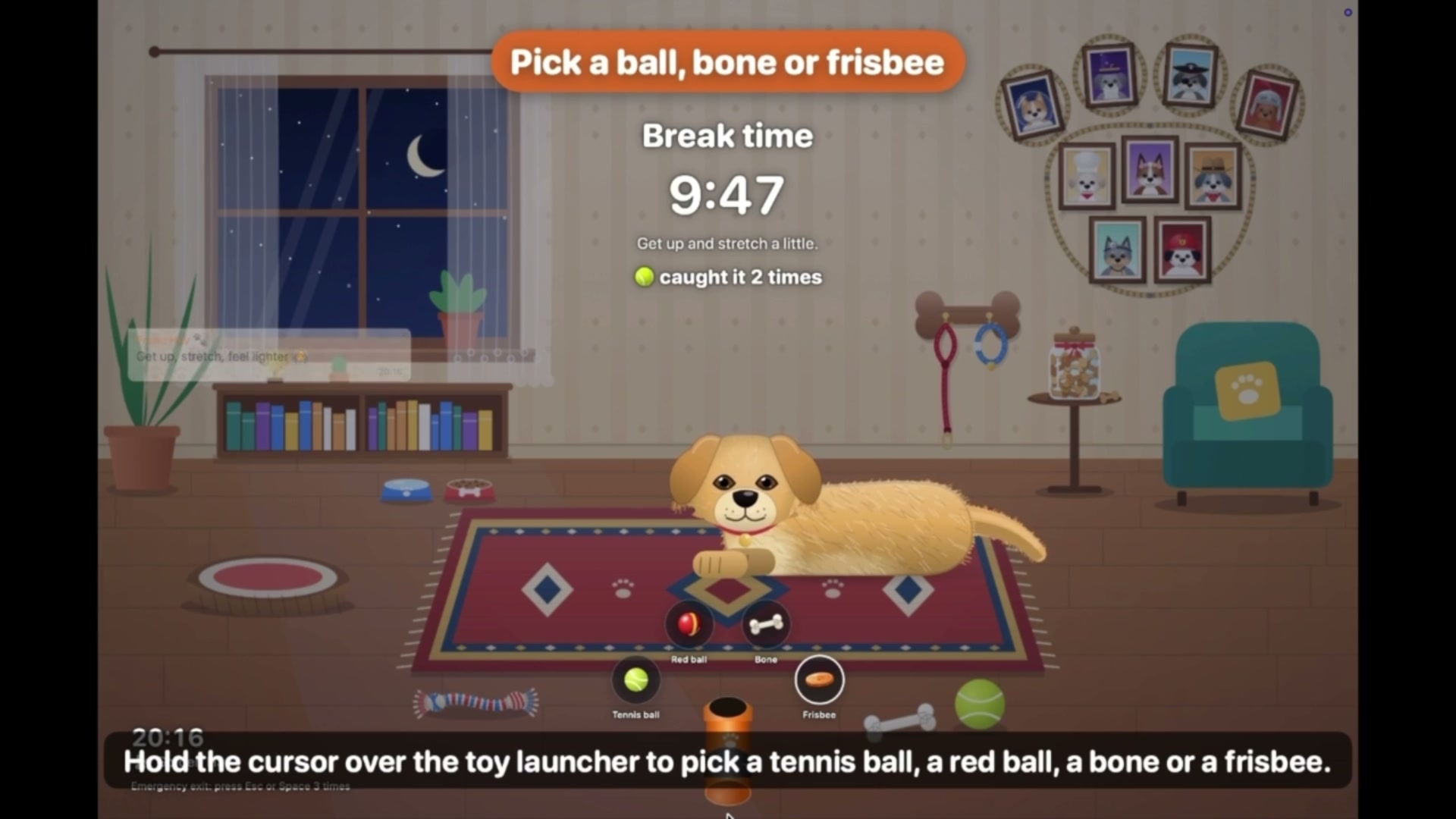
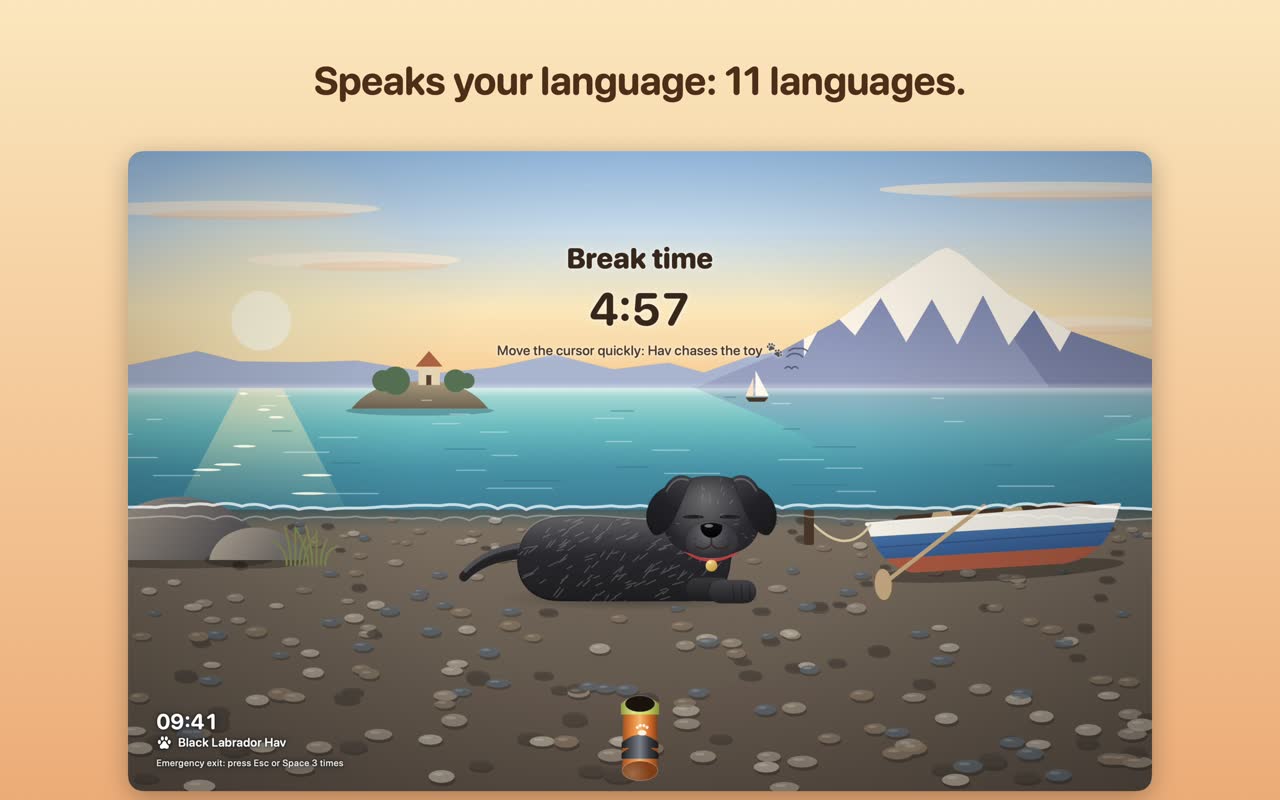
Your cursor becomes a toy: a tennis ball, a bone or a frisbee. Hav fetches it, rolls over for belly rubs and gives you a silent bark.
See HavAs the BreakPet family grows, new companions will show up here first.
thebreakpet@gmail.comHow it works
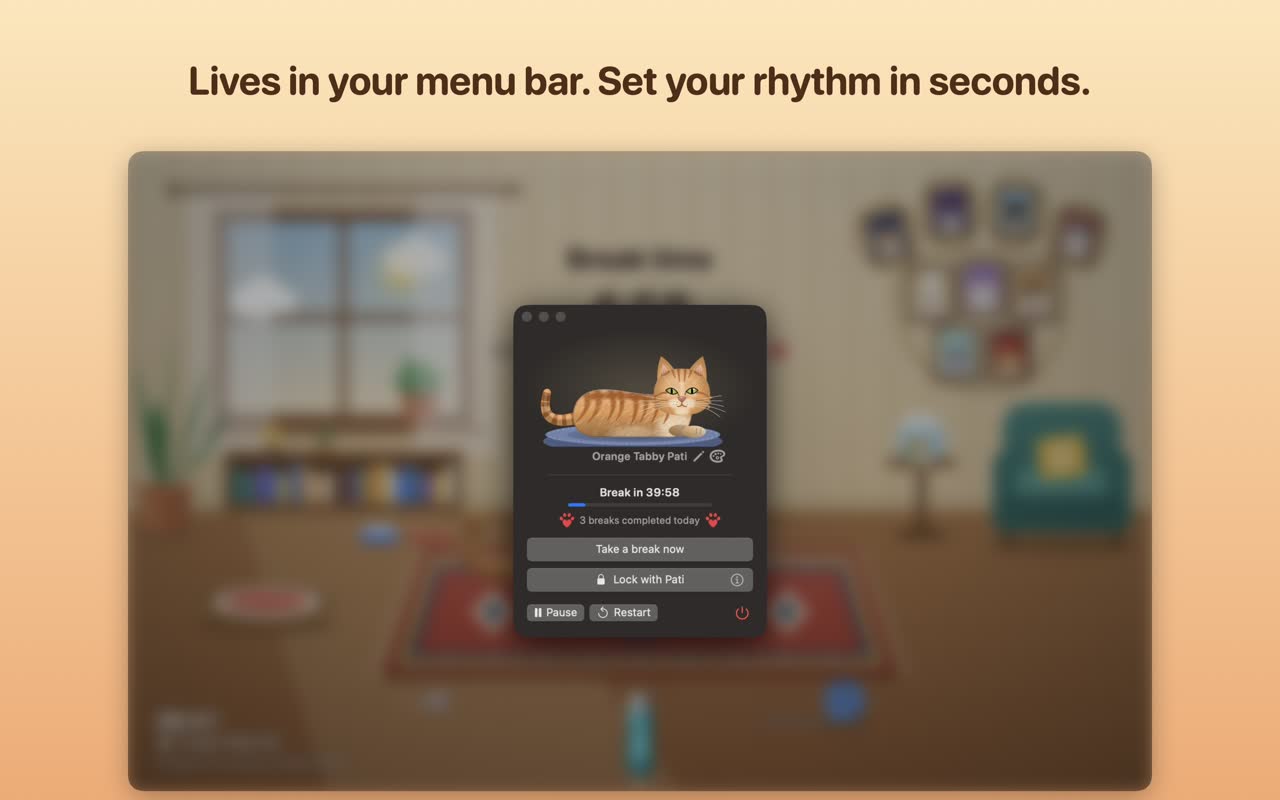
Set work and break times with simple wheels, even the 20-20-20 eye rule. The countdown runs quietly in the menu bar or system tray.
A heads-up 60 seconds before. Then your cat or dog walks in, lies on your keyboard and the break begins. On a call? It waits until you are done.
Chase the laser or throw the ball, pet for hearts, read a tiny tip. When the break is over, your pet waves goodbye and your screen is yours again.
Pati · The Break Cat
Working nonstop? Pati walks onto your screen, lies on your keyboard and will not move until you take a break. Chase the laser, pet the cat, stretch, then back to work.
 1:43
1:43
Tap a phone to watch the short with sound.
Hav · The Break Dog
Working nonstop? Hav trots onto your screen, lies on your keyboard and will not move until you take a break. Play ball, pet the dog, stretch, then back to work.
 1:47
1:47
Tap a phone to watch the short with sound.
In every BreakPet app
Work and break durations on simple wheels. Pause for 30 minutes, an hour or until tomorrow morning.
60 seconds before each break your pet peeks in from the edge of the screen. Wrap up, or start right away.
On a call or presenting in Keynote or PowerPoint? The break waits and starts 30 seconds after you are done.
Cover your screen with your pet while you step away. Unlock with Touch ID, Windows Hello or your password.
Let your pet live on the desktop behind your windows, all day long.
One click turns the scene, your pet's name and today's breaks into a postcard to share, save or copy.
Take a break now, pause, lock with your pet: in the Shortcuts app, Siri and Spotlight on Mac; in the taskbar jump list on Windows.
No account, no analytics, no ads. The apps never read what you type or see what is on your screen.
Free to start
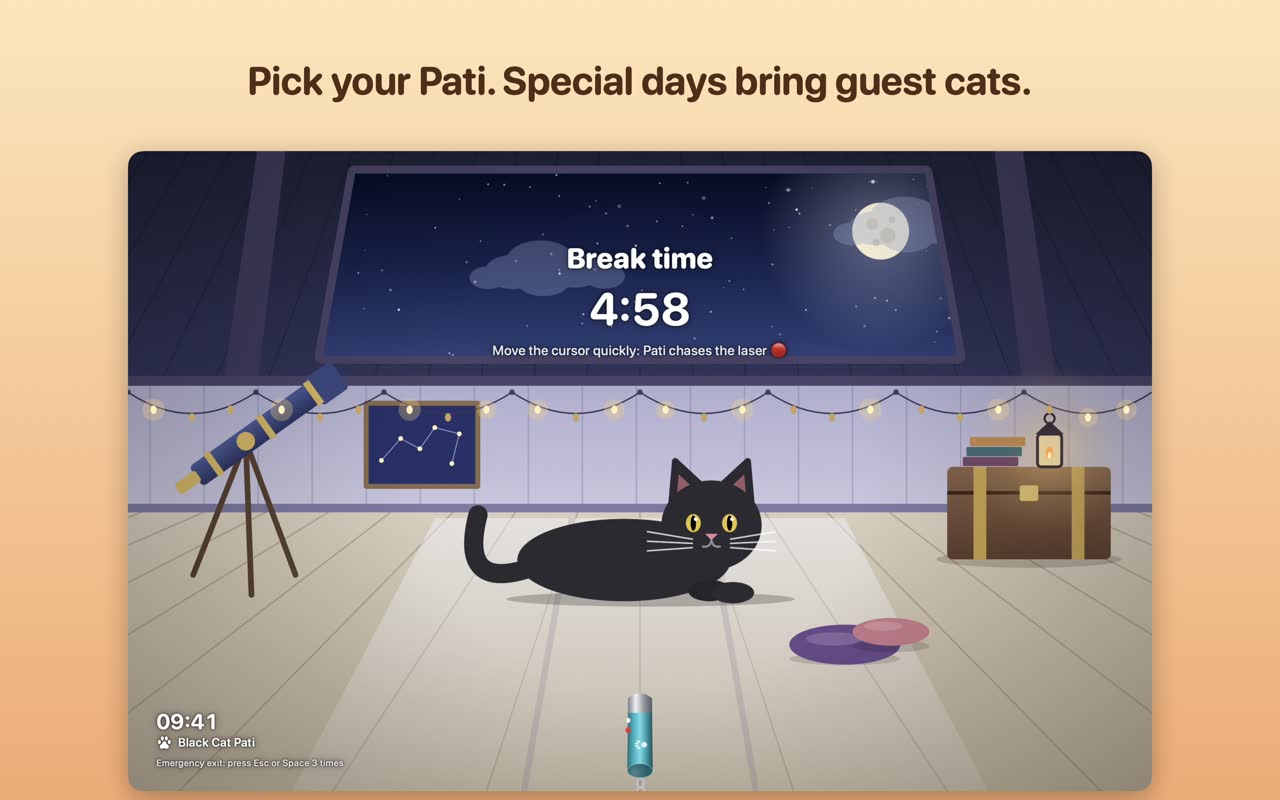
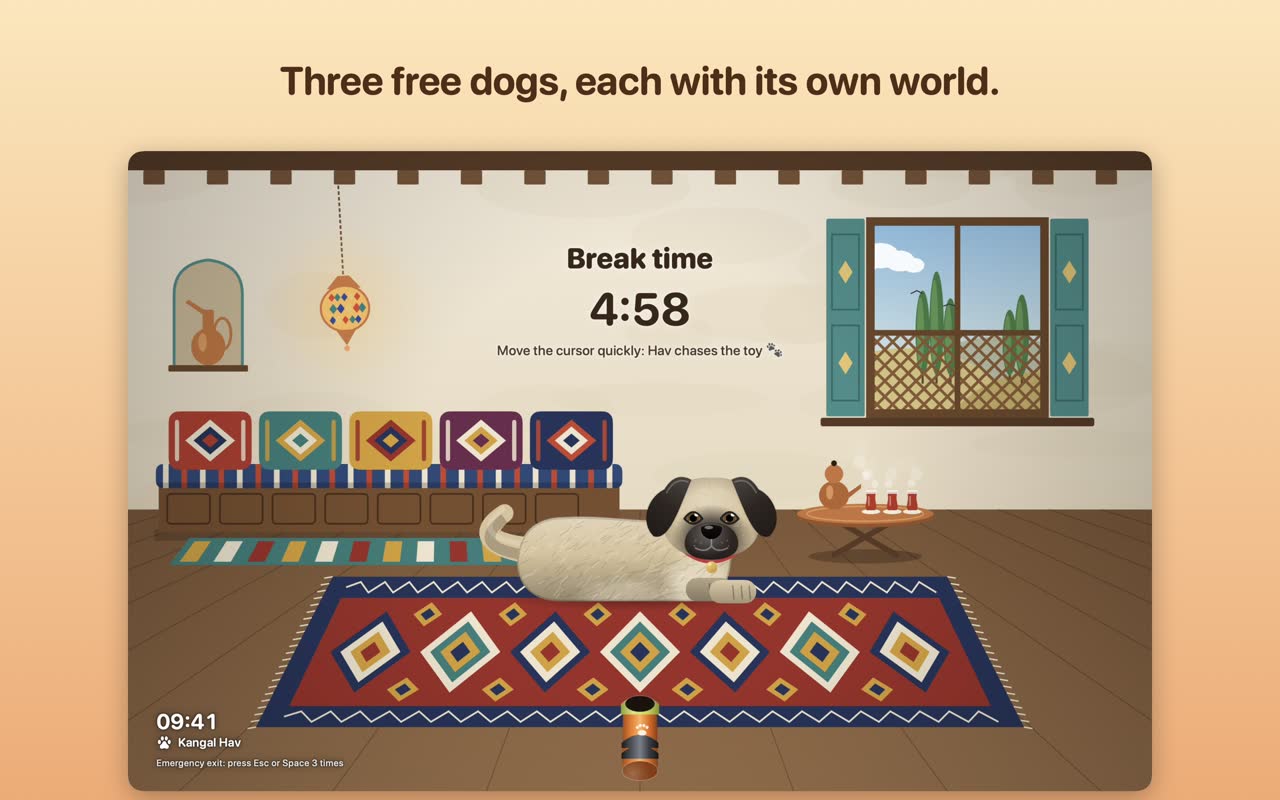
Ten optional packs, or the Complete Collection, add 97 more cats or dogs, each with its own break scene. One-time purchases through the App Store or Microsoft Store, no subscription.
Questions
Yes. Both apps are built for Mac and for Windows. On Mac they live in the menu bar, on Windows in the system tray.
Emergency exit: press Esc or Space three times. You can also snooze a break by five minutes once, right when it starts.
No. It covers the screen with your pet and opens with Touch ID, Windows Hello or your password, but your session stays signed in. When you leave your computer unattended, use your system's own lock as well.
The apps are free with three pets and the special-day guests. Extra cats and dogs come in optional one-time packs through the App Store or Microsoft Store. There is no subscription.
None. There is no account, no analytics and no advertising. Settings, names and looks stay on your computer. Read the full privacy policy for the details.
Open the store window inside the app and click Restore Purchases. Packs bought with the same Apple Account or Microsoft account unlock again at no cost.